How to Play Pimple Pop Clinic
Controls mindset, core loop, and session flow for every platform.
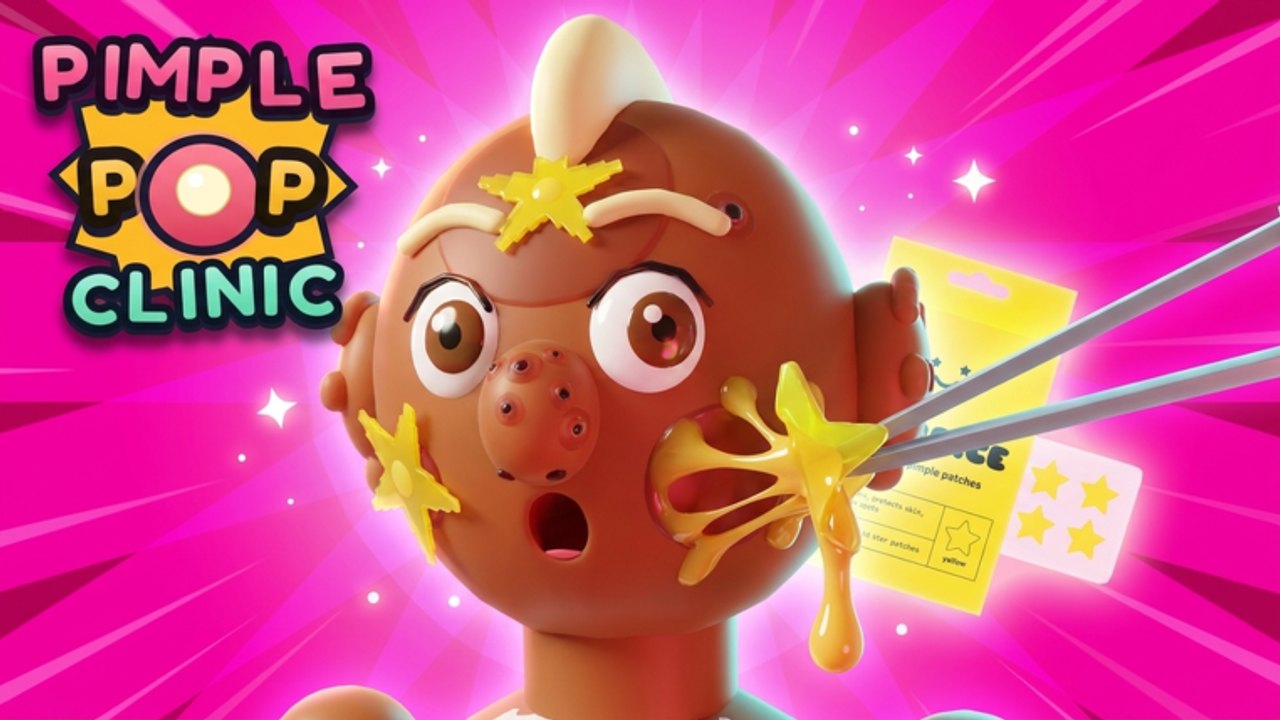
How to Play Pimple Pop Clinic breaks down the living loop behind the gross-cute Roblox clinic. If Getting Started got you through the tutorial, this guide explains how a strong session actually feels from warm-up to logout.
The core loop (memorize this)
- Receive / approach a patient inside your clinic space.
- Pop pimples / zits with the game’s treat interactions—timing and completeness matter more than mashing.
- Earn cash and progress toward upgrades.
- Log collection progress in the Pimple-Dex when new rarities appear.
- Invest in clinic power, pets, and furniture.
- Repeat with smarter targets as you learn rarities.
That loop is the entire fantasy: incremental growth wrapped in ASMR-adjacent satisfaction. Scripts that skip the tactile part also skip why the game works—see Scripts for why we refuse unverified automation.
Controls mindset (all platforms)
Roblox input varies by device, but clinic play shares principles:
- Move with standard Roblox locomotion to desks, patients, shops, and stairs between floors.
- Interact / treat using the on-screen prompts or click/tap targets on the zit itself.
- Camera should frame the pop clearly—especially on MEGA or glittery targets.
- Menus (shop, pets, codes, settings) usually live as HUD buttons; finish tutorials so they appear.
- Social menus help friends join; remember the soft cap of eight players.
On touch devices, take a moment to enlarge UI scale in Roblox settings if prompts feel tiny. On console, confirm which face button the place binds to interact after each patch (Updates).
Reading patients and rarities mid-session
Not every zit deserves equal obsession. Use Pimple Rarities as your mental filter:
- Everyday patients — volume farming for cash
- Bubblegum Zits / Glitter Bombs — high delight, usually worth immediate attention
- MEGA ZIT + swirl gunk upgrades — showcase energy; plan time around them
- Zenith — rare ceiling; interrupt low-value grinding when one appears
Call targets in co-op chat so visiting friends know why you suddenly sprinted across the lobby.
Cash routing during a healthy session
A practical split for a ~25–40 minute visit (aligns with Tools):
| Block | Action |
|---|---|
| Warm-up | Fresh server, claim UI rewards, peek for code input (Codes) |
| Cash volume | Everyday pops funding upgrades |
| Rarity focus | Silly zits + Zenith awareness |
| Systems | Pets check + one furniture action |
| Social | Quick tour if friends arrived as patients |
| Wrap | Screenshot Dex / note goals |
If cash feels stuck, you are probably overbuying cosmetics or underbuying throughput. Revisit early upgrade logic from Getting Started before blaming RNG.
Pets inside the loop
Pets are not a separate game—they amplify the clinic. With 35 pets from Common toward Celestial:
- Unlock the system when offered
- Equip or assign companions per UI rules you see live
- Spend on pet progress only after basic clinic upgrades breathe
- Rank chases with Pets Tier List and narrative detail in Pets Guide
A Common pet that you understand beats a mystery Celestial screenshot you cannot afford.
Decoration as gameplay, not homework
25 furniture pieces across three floors sound like busywork until friends walk the building. Decoration improves pathing, screenshots, and pride. Play pattern:
- Earn → upgrade power → place one intentional piece → return to popping
- Unlock upper floors when the game allows instead of camping a crowded spawn
- Keep treat stations accessible; pretty mazes that block patients hurt income
Deep furniture strategy lives in Clinic Decoration.
Co-op flow
Hosting tip sheet:
- State the session goal (“cash,” “Dex,” “decorate floor 2”).
- Assign who watches for Zenith callouts.
- Pause big furniture moves if someone is mid-pop.
- Share wiki links from Guides instead of arguing tier opinions from memory.
- End on a tour—community vibes covered more on Players.
What “good play” looks like after a week
- You can explain the loop in one breath
- You recognize silly vs Zenith energy on sight
- You fund pets without bankrupting floors
- You check Updates after maintenance
- You ignore fake code lists and script DMs
- You use Tier List when stuck, not when panicking
Troubleshooting common friction
- Prompts missing: rejoin, finish tutorial flags, check UI scale.
- Friends cannot visit: confirm privacy settings and server capacity.
- Progress feels slow: return to B-tier volume; verify you bought throughput upgrades.
- Pet menu confusing: stop mid-chase, read Pets Guide, then continue.
- Want faster badly: read Scripts warnings, then improve routing instead.
Keep learning
Official place and group links stay on Links. Rankings evolve on the Tier List Hub. Patch radar stays on Updates. When the next Pets + Zenith flavored drop lands, replay this how-to with fresh eyes—the loop stays, the multipliers move.
Master the pop, respect the rarity spikes, and let every session end with a clinic that looks a little more intentional than it did when you joined.
Frequently Asked Questions
Quick answers about codes, pets, Zenith Zits, and clinic setup.
What is the main goal while playing?
Treat patients for cash and progress, fill collection systems, grow pets, and decorate the clinic—repeating with smarter targets each session.
Do controls differ on mobile and PC?
Inputs change, but the loop is identical. Use Roblox movement plus on-screen treat prompts; adjust UI scale on touch devices if needed.
How do rarities change how I play?
Volume farm everyday zits, prioritize Bubblegum/Glitter style targets, and hard-focus Zenith when they appear. Details on Pimple Rarities.
Should I decorate or upgrade first?
Favor throughput/cash upgrades first, then place furniture that keeps paths clear. See Clinic Decoration.
Where do I go after mastering the loop?
Optimize with the Tier List Hub, plan sessions on Tools, and track patches on Updates.