Pimple Pop Clinic Official & Wiki Links
One page for the place, group, and every major wiki hub.
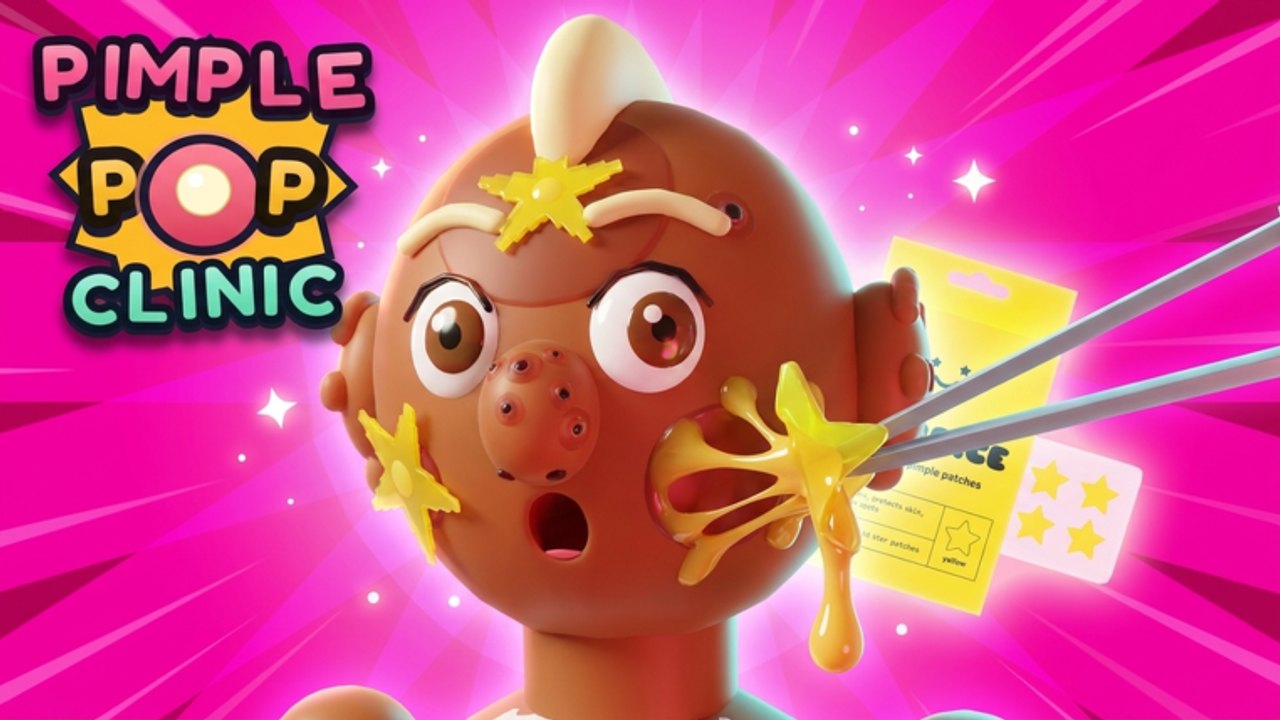
Use this Links Hub as the bookmarkable map for Pimple Pop Clinic. Everything important—official Roblox destinations, creator context, and internal wiki routes—lives here so you are not hunting through chat history.
Official destinations
- Roblox place: Pimple Pop Clinic on Roblox — free-to-play clinic sim with Pets + Zenith branding.
- Universe ID:
10773124191(useful for tooling and asset references). - Creator group: Injusted inc. on Roblox (owner credits around injusting / injusting_dev). Join for shouts about patches and potential gifts.
- Platforms: Phone, tablet, PC, and console through Roblox.
This fan wiki is not an official Injusted product. For authoritative patch text, prefer in-game notes and group posts, then compare with our Updates Hub.
What the game is (quick facts)
Pimple Pop Clinic launched 26 October 2026 and keeps updating (including activity around 19 November 2026). You operate a pop clinic, treat patients by popping pimples and silly zits, earn cash, fill the Pimple-Dex, collect 35 pets from Common toward Celestial, and decorate 25 furniture pieces across three floors. Up to eight players can share a server; friends may visit as patients. Visits and favorites sit in the hundreds of thousands / thousands range depending on the week—check Roblox for live social proof.
Full wiki map
Progress & onboarding
- Guides Hub — all long-form tutorials
- Getting Started — day-one path
- How to Play — controls and loop
- Pets Guide — collecting companions
- Clinic Decoration — floors & furniture
Rankings
- Tier List Hub — overview
- Pets Tier List — Common→Celestial priorities
- Pimple Rarities — Zenith and silly zits
Live ops & safety
- Codes Hub — honest status (none confirmed yet) + redemption prep
- Updates Hub — patch radar
- Scripts Hub — automation risks, no fake paste links
- Tools Hub — session planner / checklist mindset
- Players Hub — community and creators
How to use links responsibly
- Prefer https Roblox URLs and official group pages.
- Never enter your password on lookalike “code claim” sites.
- If a Discord invite is circulating, confirm it against Injusted posts before joining.
- When sharing this wiki with friends, send deep links to the exact guide they need instead of a vague “search it.”
Creator & media pointers
Developer explainers and community reaction videos appear on select pages (one real embed each). Start with Getting Started, How to Play, Updates, and Players depending on whether you want origin story, loop demo, patch visuals, or short-form reactions.
Suggested bookmark stack
- This Links Hub
- Codes for gift readiness
- Updates for patch days
- Tools for pre-session planning
- The Roblox place itself for Play
Keep the stack short so you actually reopen it. When Injusted announces something new—pets, Zenith flair, furniture, or finally a public code—you will already know which wiki door to open next.
Enjoy the clinic, keep pops satisfying, and share the right link the first time.
Frequently Asked Questions
Quick answers about codes, pets, Zenith Zits, and clinic setup.
Is this wiki official?
No. It is a fan resource. Use the Roblox place and Injusted group for official announcements, then compare with our Updates Hub.
Where is the game link?
Play via the official Roblox place linked at the top of this page, also referenced across Guides and Getting Started.
Which internal page should I share with a new friend?
Send Getting Started plus this Links Hub so they can branch into pets, tiers, or decoration later.