How to Redeem Codes in Pimple Pop Clinic
Be ready the moment Injusted drops a working gift code.
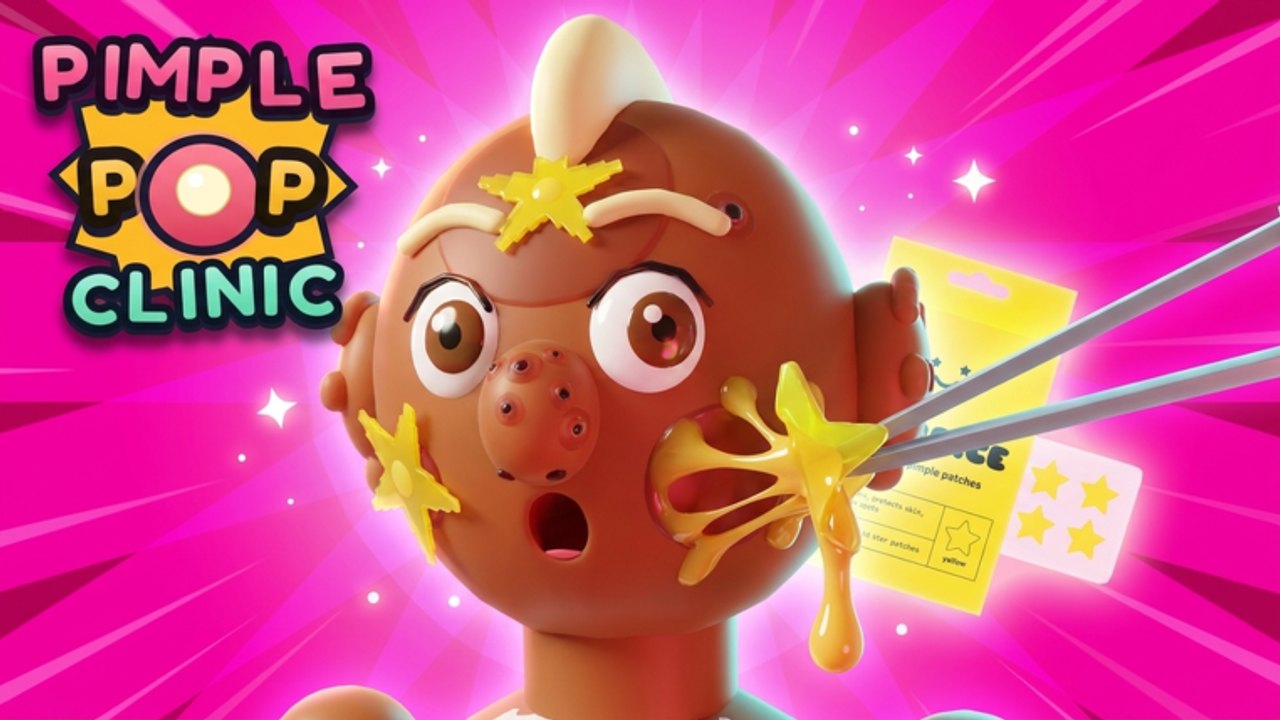
This How to Redeem Codes guide prepares you for promo gifts in Pimple Pop Clinic, the Roblox pop-clinic sim by Injusted inc. As of the latest research pass, no confirmed working codes exist yet. That does not make redemption knowledge useless—simulator communities often see code drops after big patches, milestones, or social posts. When a real string appears, you want the UI path memorized so you are not scrambling while the code expires.
Bookmark the live list on Codes and treat this page as the playbook for the moment that list flips from empty to active.
Current reality check
| Fact | Detail |
|---|---|
| Working codes | None confirmed |
| Game | Free-to-play Roblox clinic / incremental by Injusted |
| Launch | 26 October 2026 |
| Why codes matter later | Pets, cash, cosmetics, and event bait often ride with updates |
If a random Discord image promises “FREE CELSTIAL PET NOW,” assume it is wrong until it redeems cleanly on your own account. Fake lists thrive precisely because the official list is empty.
Where the redeem UI usually lives
Roblox sims rarely hide codes forever; they hide them behind tutorial gates or menu labels that change after patches. When Injusted enables redemption, expect something in this family:
- A Codes, Rewards, Gifts, or Promo button on the HUD
- An entry nested under shop / settings / social menus
- A one-time popup after a maintenance reboot (Updates)
Finish the early tutorial prompts covered in Getting Started before you panic-search. Many players “cannot find Codes” because they skipped a guided pop that unlocks full menus. If the button is still missing after a normal session, rejoin a fresh server and scan every corner of the HUD again—UI scale on mobile can tuck icons near the edge.
For general clinic flow and menu comfort, keep How to Play open beside this guide.
Step-by-step: redeem when a code appears
- Confirm the string on Codes or an official Injusted shout—not a random story reply.
- Join the real place from Links (Universe ID 10773124191) so you are not redeeming on a copycat experience.
- Open the Codes / Rewards input once it exists in your build.
- Paste or type exactly. Prefer paste from a trusted note so you do not mistype zeros and letter O.
- Submit / Confirm and wait for the success or error toast.
- Check cash, inventory, pets, and any reward mailbox—gifts do not always splash in the center of the screen.
- Screenshot success if you share with friends; it helps the wiki verify later.
Do one code at a time. Spamming five unverified strings trains you to ignore real errors.
Case sensitivity, spaces, and formatting traps
Most Roblox promo codes are case-sensitive or at least picky about punctuation. Treat every character as intentional:
- Do not add spaces before or after the code
- Do not “fix” capitalization because a YouTube thumbnail used fancy fonts
- Watch lookalikes:
0vsO,1vsl,5vsS - If a code includes underscores or hyphens, keep them
- If paste fails on mobile, type slowly in a notes app first, then copy
If the game says the code is invalid, try once more with a clean paste. If it still fails, the code is expired, mistyped, region-limited, already used on that account, or was never real. Do not install an “auto redeem” executor to “fix” it—see Scripts for why that path is account poison.
Where to find legitimate codes (when they exist)
Prioritize sources in this order:
- In-game mail / patch notes / developer popups after maintenance
- Injusted inc. group shouts and official social posts from the developer accounts
- This wiki’s Codes hub after community confirmation
- Trusted friends who redeemed on camera and show the success toast
Deprioritize:
- Comment sections under unrelated Roblox videos
- “First 100 redeem” Telegram funnels
- Links that ask you to complete surveys, download APKs, or share passwords
- Lists that invent reward text like guaranteed Zenith patients or named pets you have never seen in-game
Official destinations stay centralized on Links. Patch timing context lives on Updates.
Scams and social engineering to ignore
Code hype is a favorite hook for bad actors because players are already primed to paste something. Hard rules:
- Never enter your Roblox password into a “code checker” website
- Never trade limiteds for a “private code batch”
- Never run a free executor that promises auto-claim of every new drop (Scripts)
- Never trust a stranger who needs you to “verify age” before sharing a gift
- Never assume a Celestial pet or Zenith patient is attached to a code until you see it grant live
Pimple Pop Clinic’s fantasy is tactile: pop patients, grow pets Common→Celestial, decorate three floors, fill the Pimple-Dex. Codes are optional accelerators, not a substitute for the loop in How to Play.
What codes might grant (without inventing drops)
Until Injusted publishes real rewards, speak in genre patterns—not fake loot tables. Simulator codes commonly gift:
- Soft currency / cash bundles
- Temporary multipliers
- Pet eggs or pet-related tickets
- Furniture or cosmetic unlocks
- Event tokens tied to a patch week
They rarely (and should never be advertised as) “delete your progress” or “force Zenith every patient.” When a real drop lands, update your personal note with the exact reward text, then compare with Codes.
Session habit: thirty-second code check
Fold redemption readiness into normal play instead of doomscrolling fake lists:
- Warm up in clinic
- Peek HUD for a Codes button
- Skim Codes if you heard about a drop
- Redeem at most once
- Return to patients, Dex progress, and pets
That habit keeps ASMR flow intact. Friends visiting as patients (up to eight players) would rather see a clean lobby than watch you argue about a dead code in chat.
After a successful redeem
- Spend smart: throughput and clinic power before vanity if you are still early (Getting Started)
- If the gift is pet-related, slot it into the budget mindset from the pets guides later—do not panic-hatch everything at once
- If the gift is furniture-adjacent, place with pathing in mind across the eventual three floors
- Log the code as used so you do not waste time retrying it next week
- Tell friends the official string only after you verified it; do not forward sketchy screenshots
Troubleshooting matrix
| Symptom | Likely cause | Next step |
|---|---|---|
| No Codes button | Tutorial gate / UI scale / patch rename | Finish prompts, rejoin, check Updates |
| Invalid code | Typo, expired, fake | Re-paste once; abandon if still failing |
| Already redeemed | Per-account limit | Stop retrying; enjoy the gift you already got |
| Success but no item | Reward in mailbox / different tab | Open inventory, pets, cash HUD carefully |
| Site asks for password | Phishing | Close tab; change password if you typed anything |
How this page fits the wiki
- Live strings: Codes
- Patch radar: Updates
- Onboarding: Getting Started
- Loop mastery: How to Play
- Automation warnings: Scripts
- Official place: Links
Stay ready, stay skeptical, and keep popping. When Injusted finally ships a public code, you will redeem it in seconds—then get back to the clinic fantasy that actually makes Pimple Pop Clinic fun.
Frequently Asked Questions
Quick answers about codes, pets, Zenith Zits, and clinic setup.
Are there working Pimple Pop Clinic codes right now?
No public working codes are confirmed yet. Monitor Codes and official Injusted shouts after updates.
Where do I redeem a code in-game?
Use the Codes, Rewards, or similar HUD/menu input once it appears. Finish tutorials if the button is missing, then paste exactly and confirm.
Do codes care about capitalization?
Treat them as case- and punctuation-sensitive. Paste carefully and watch lookalike characters like 0/O and 1/l.
Why did my code say invalid?
It may be expired, mistyped, already used, never real, or typed on a wrong experience. Re-paste once, then stop if it still fails.
Can a code website ask for my Roblox password?
Never. That is phishing. Redeem only inside the official game and ignore survey/APK funnels—see Scripts for related risks.